Clear, practical tutorials for PDF files, image workflows, passport photos, and everyday calculators.
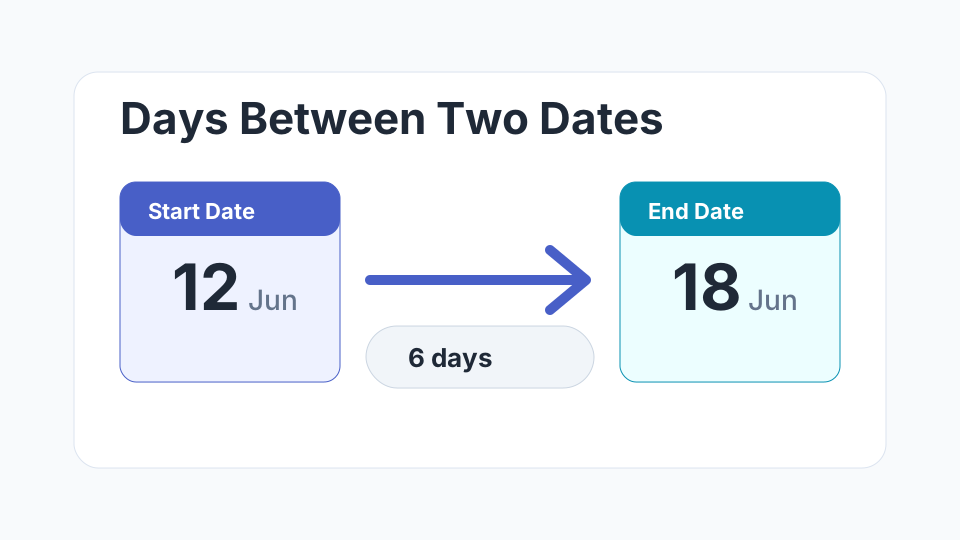
Learn the quickest way to count calendar days, business days, and full date intervals without a spreadsheet.
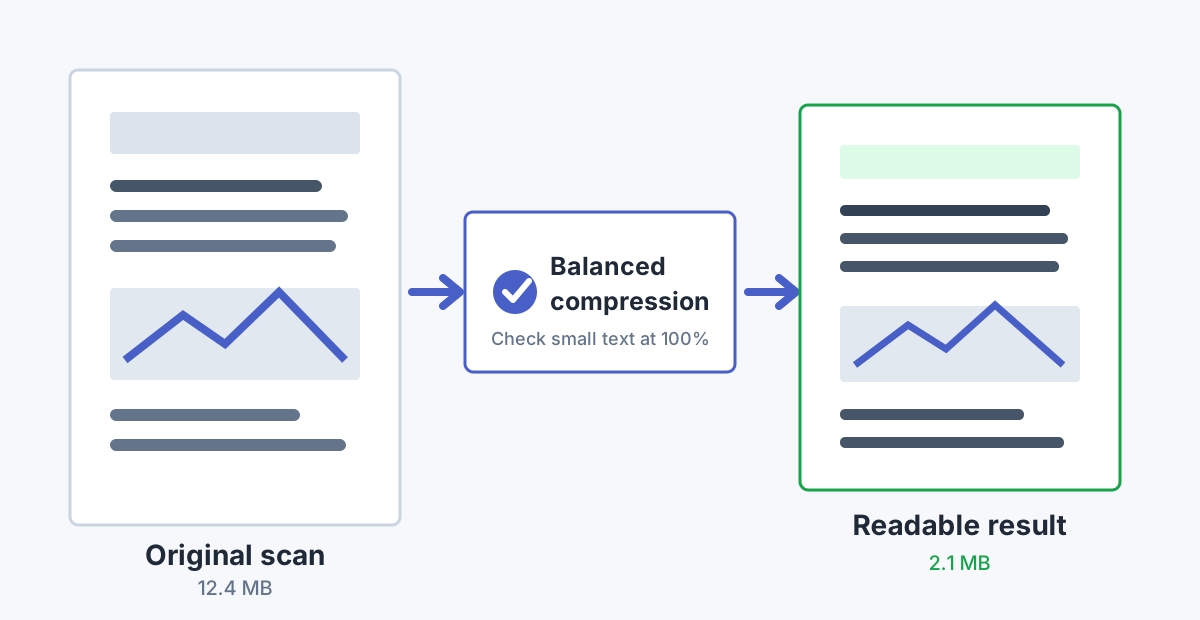
Reduce scan size while keeping forms, signatures, and small print readable.
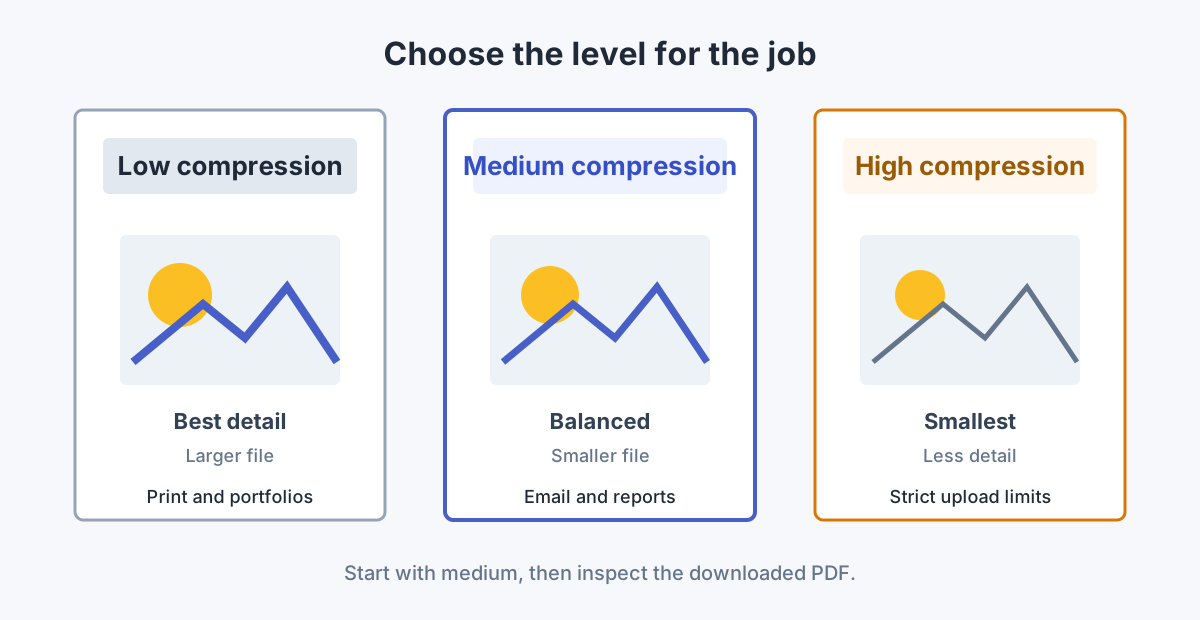
Choose low, medium, or high compression for printing, email, and upload limits.
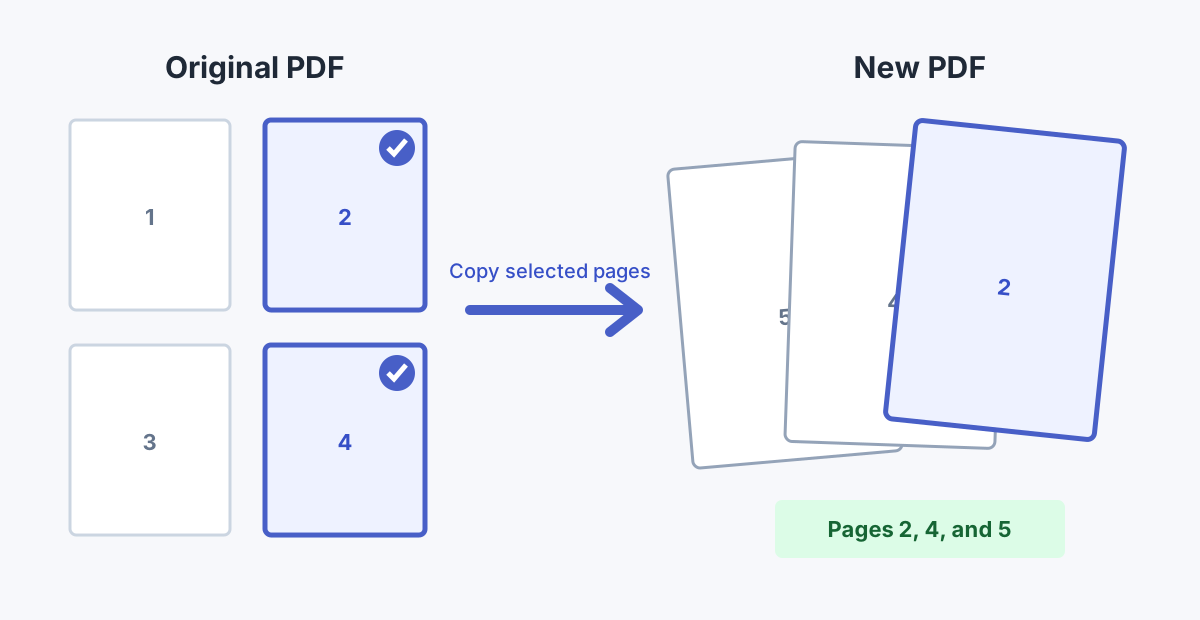
Copy selected pages into a clean new PDF without unnecessary image conversion.
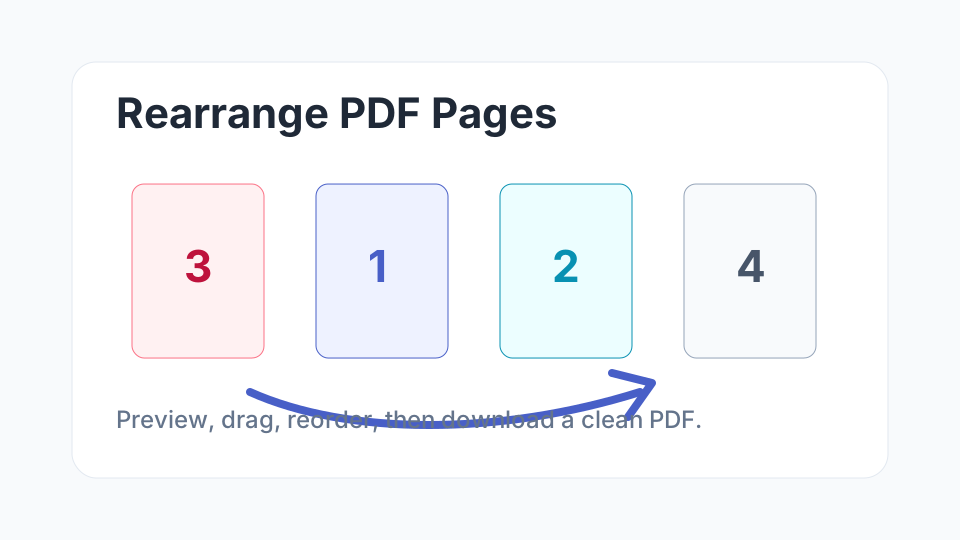
Move pages into the right order before sharing reports, applications, contracts, or scanned packets.
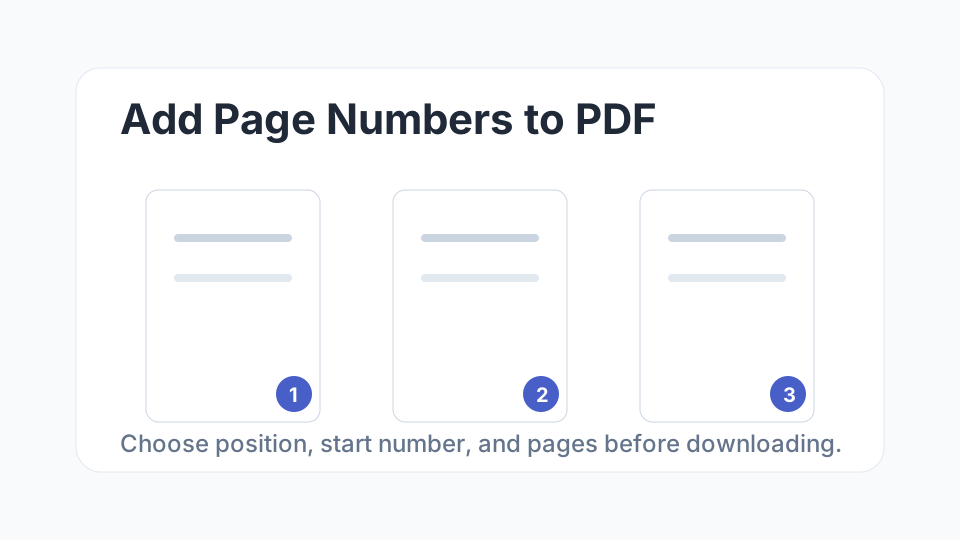
Number PDF pages cleanly after arranging the document, with tips for cover pages and professional layouts.
Reduce PDF file size while keeping text readable and images clean enough for sharing.
Practical steps for strict upload limits on forms, email, and application portals.
Merge separate documents into one ordered PDF with fewer mistakes.
Extract the pages you need without sending extra information.
Choose the better format for printing, archiving, previews, and uploads.
Put receipts, IDs, notes, and scans into one clean PDF document.
Understand the common causes of oversized PDF files and how to fix them.
Compress, split, or share large PDF files when email size limits get in the way.
Prepare a clean transparent PNG for portraits, product images, and design layouts.
Compare image formats for quality, speed, and website performance.
Make iPhone photos easier to upload, share, and edit across devices.
Resize and compress images without hurting the visual quality visitors notice.
Pick the right format for photos, transparent graphics, screenshots, and web pages.
Use practical dimensions for faster pages and sharper visuals.
Clean backgrounds, consistent sizes, and faster product image uploads.
Understand how modern image formats can improve loading and SEO signals.