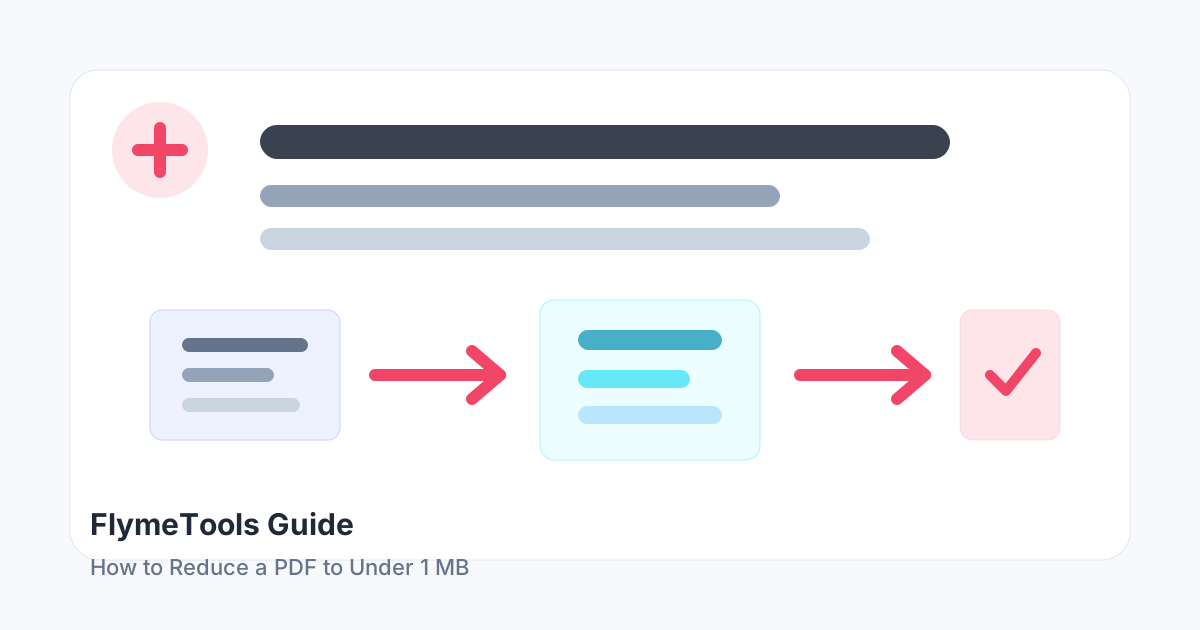
A practical checklist for shrinking PDFs to a strict upload limit without breaking the document. The goal is not to chase the smallest possible file or the fanciest format. The useful result is the one that stays readable, opens correctly for the recipient, and solves the upload, sharing, or publishing problem you actually have.
When this matters
This topic usually comes up when a file is rejected by an upload form, loads slowly on a website, is too large for email, or is difficult for someone else to open. Before changing the file, decide what the receiver needs: a smaller file, a different format, separate pages, or a cleaner visual result.
Step-by-step
- Delete unnecessary pages or extract only the required pages.
- Compress the PDF using a medium setting and check the size.
- If it is still over 1 MB, try a stronger setting and review quality.
- If quality becomes too poor, split the PDF or convert oversized image pages separately.
What to check before you send it
- Remove pages you do not need before compressing.
- Use stronger compression for scanned images, not for text-only documents.
- If the PDF still cannot fit, split it into smaller parts instead of destroying readability.
- Keep the original file until the recipient confirms the new version works.
Try it with FlymeTools
Use the Compress PDF tool to apply this workflow directly in your browser.
Open Compress PDFCommon mistakes
The most common mistake is using the strongest setting or conversion option first. That can create unnecessary quality loss or make the result harder to use. Start with the least destructive option, inspect the output, and only go further when the file still does not meet the requirement.
FAQ
Why is 1 MB hard to reach?
Scanned pages and high-resolution images can be much larger than text-based PDFs.
Should I keep compressing until it fits?
Only if the document remains readable. A file that meets the size limit but cannot be read is not useful.
What if an upload form requires exactly under 1 MB?
Compress first, then remove nonessential pages or split the file if needed.