PDF page order matters. A form scanned backward, a report with the cover in the middle, or an attachment before the main document can confuse the reader and make a file look unfinished.
Use the free PDF page organizer
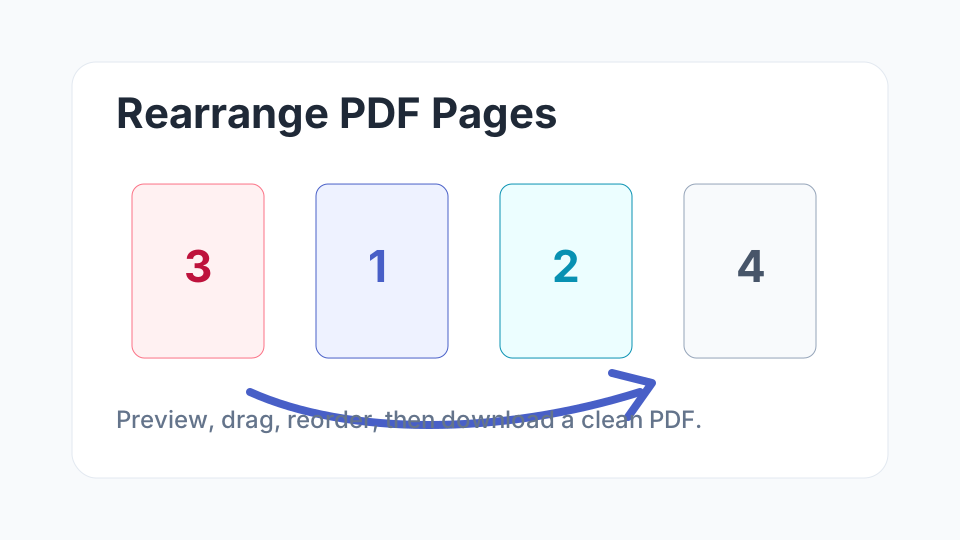
Open the Rearrange PDF Pages tool, upload your PDF, drag pages into the correct order, and download a new copy.
Rearrange PDF PagesWhen Should You Reorder PDF Pages?
- A scanned document starts with the last page.
- A cover letter needs to appear before attachments.
- A signature page was added in the wrong position.
- A presentation export needs a better sequence.
- A combined PDF has chapters or forms mixed together.
How to Rearrange Pages Safely
- Upload a copy of the original file.
- Wait for all thumbnails to load before dragging pages.
- Move pages in small groups if the document is long.
- Check page numbers, headers, footers, and appendix order.
- Open the downloaded PDF before emailing or uploading it.
Tip: if pages also need to be removed or rotated, do that before final sharing so the document has one clean final version.
FAQ
Can I rearrange scanned PDF pages?
Yes. If the scanned file is a valid PDF, page thumbnails can be moved into a new order.
Will reordering pages edit the text?
No. Reordering changes page sequence, not the text, images, or layout inside each page.
Should I compress the PDF after rearranging pages?
If the final file is too large for upload or email, use a PDF compressor after checking the page order.