1. Sube tu imagen
Empieza con una imagen JPG, PNG o WebP. Los sujetos claros y con buen contraste suelen producir el recorte mas limpio.
Eliminador de fondos con IA
Elimina fondos de fotos de producto, retratos, logos e imágenes web. Revisa el recorte, ajusta bordes con un pincel y descarga PNG transparente, JPG blanco o WebP.


Subir imagen
Admite JPG, PNG y WebP (máx. 15 MB por imagen)
o arrastra archivos aquí
Elige tipo de imagen
El modo general funciona bien para fotos cotidianas con un sujeto claro.
Sube imágenes para ver el resultado.
Empieza con una imagen JPG, PNG o WebP. Los sujetos claros y con buen contraste suelen producir el recorte mas limpio.
Ejecuta la eliminación automática y usa los pinceles de borrar y restaurar cuando los bordes necesiten una limpieza manual.
Exporta PNG transparente, JPG con fondo blanco, salida con color personalizado, WebP o un ZIP por lotes para varias imágenes.
Diseñado para fotos de producto, retratos, logos e imágenes web donde los bordes limpios importan.
Sube, procesa, previsualiza, retoca y descarga sin abrir software de diseño pesado.
Borra restos de fondo o restaura detalles del sujeto con un editor de pincel sencillo.
Usa PNG transparente para diseño, o cambia a fondos blancos/de color para tiendas y anuncios.
Procesa varias imágenes y descárgalas juntas como ZIP.
Comprime, redimensiona o convierte la imagen final para webs, productos y documentos.
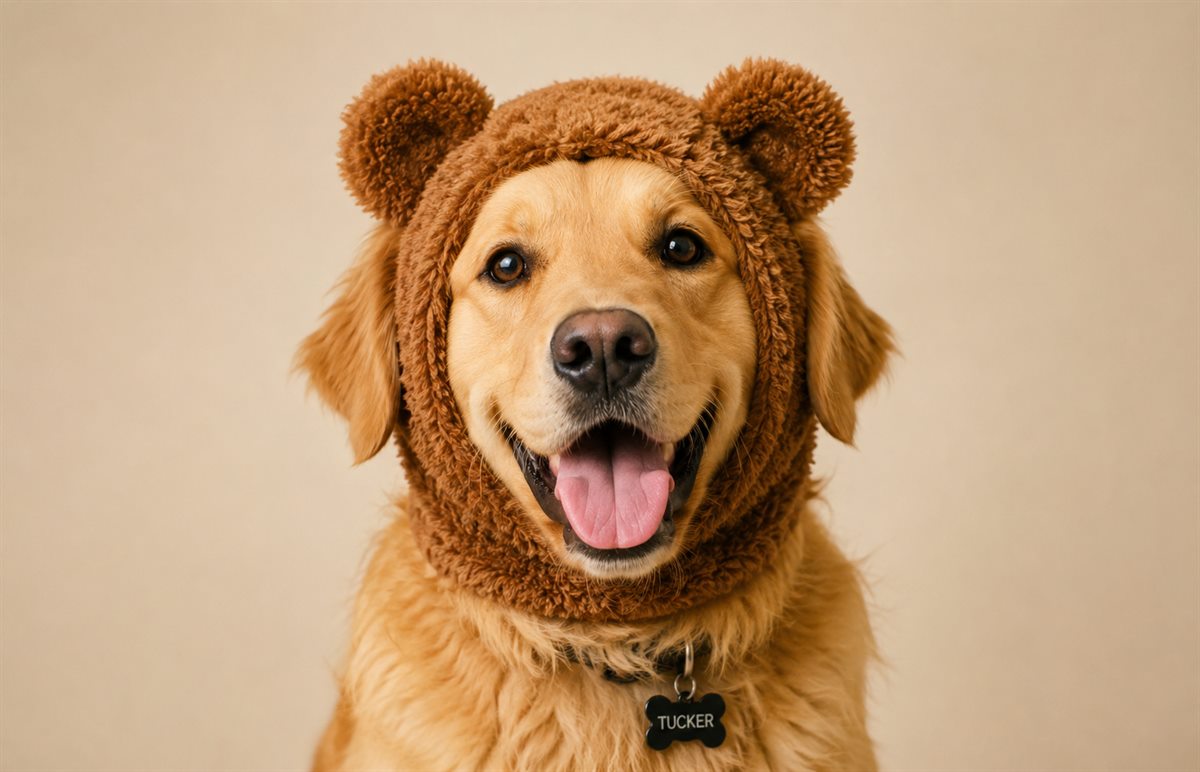
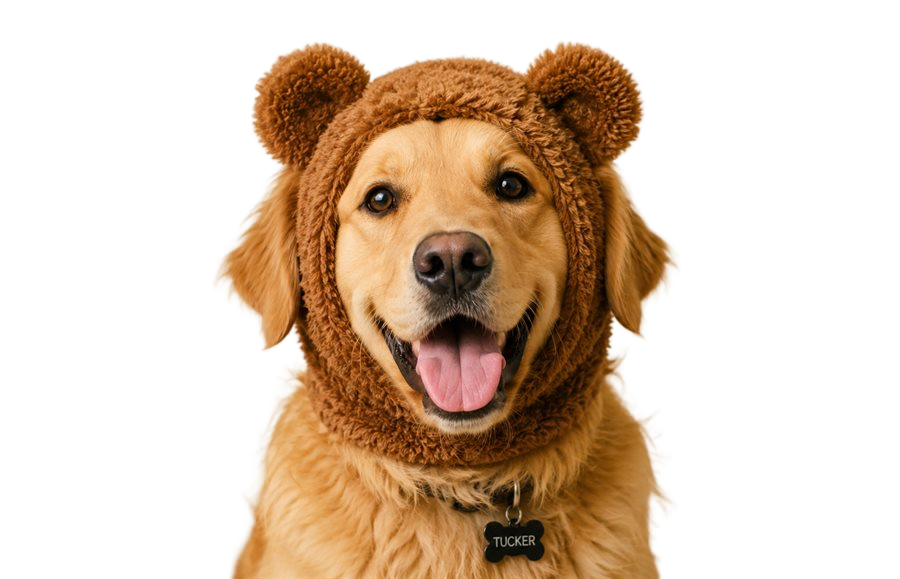
La eliminación automática con IA resuelve la mayor parte del trabajo. Si un borde de producto, detalle de cabello, esquina de logo o sombra necesita corrección, abre Ajustar bordes y corrige solo esa zona.
Así la herramienta sigue siendo sencilla para trabajos rápidos, pero te da control cuando el primer resultado necesita un retoque.
Usa PNG transparente para diseños, presentaciones o páginas web. Elige JPG blanco para listados, marketplaces y compartir. Elige WebP cuando importan velocidad y tamaño.
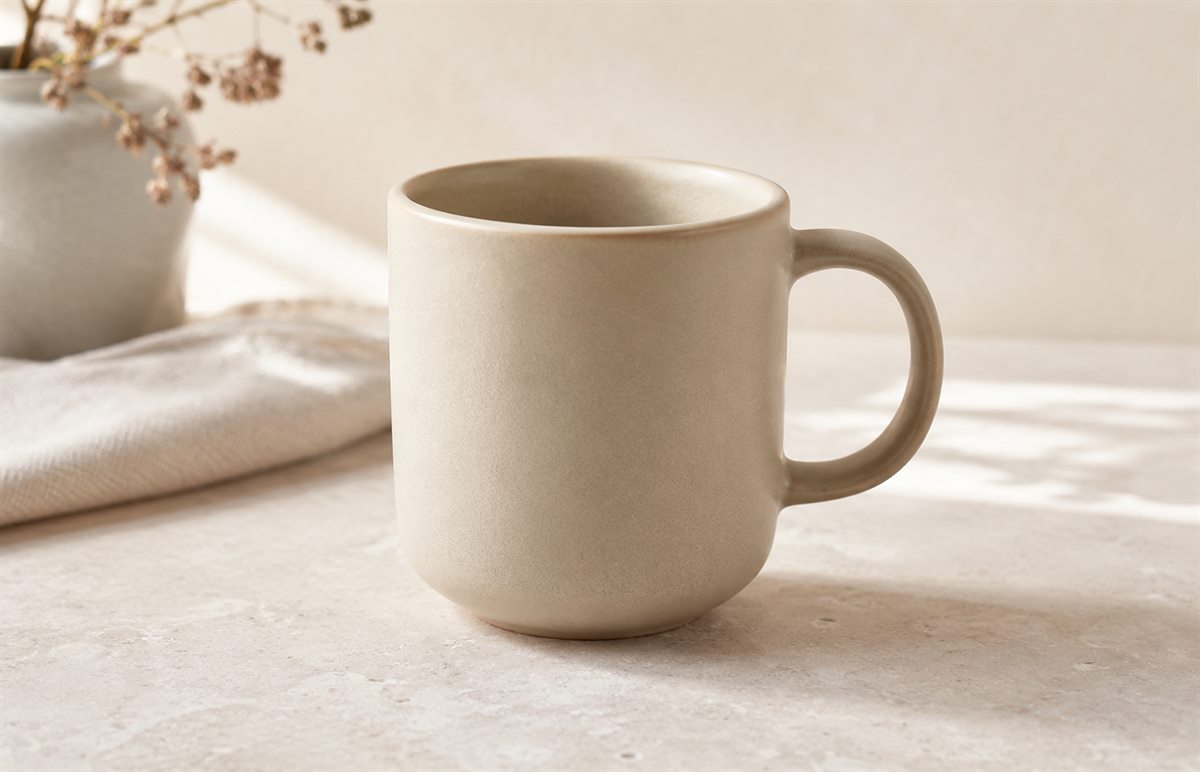
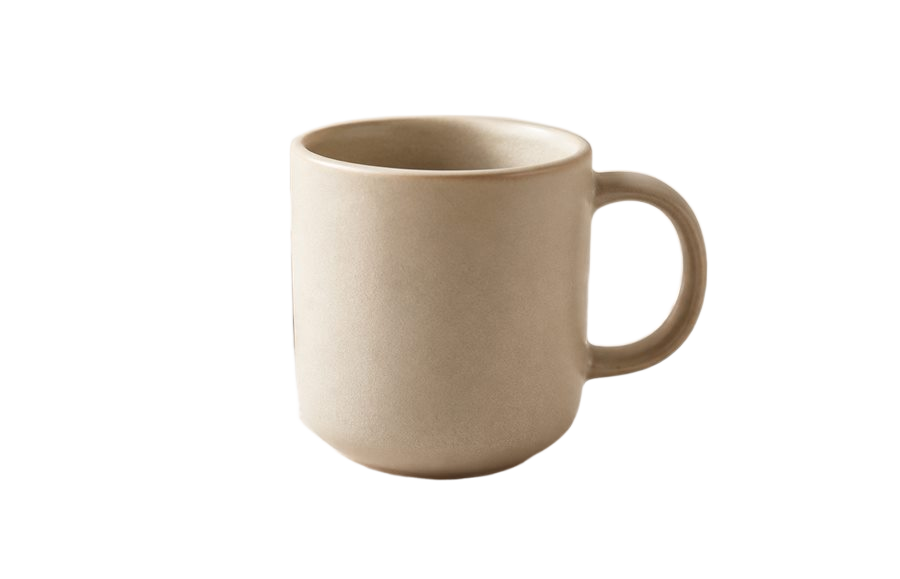
La herramienta intenta mantener la imagen útil para web y uso compartido. Revisa siempre el resultado si la calidad es crítica.
Las imágenes claras con suficiente resolución suelen dar mejores resultados que archivos pequeños, borrosos o muy comprimidos.
Sí. Después de eliminar el fondo, usa Ajustar bordes para borrar restos o restaurar partes del sujeto.
Sí. Exporta PNG transparente para superposiciones, JPG blanco para productos o WebP si importan velocidad y tamaño.
Sí. Añade varias imágenes a la cola, procésalas y descarga los resultados como ZIP.