1. Bild hochladen
Beginnen Sie mit einem JPG-, PNG- oder WebP-Bild. Klare Motive mit gutem Kontrast liefern meist die saubersten Freisteller.
KI-Hintergrundentferner
Entfernen Sie Hintergründe aus Produktfotos, Porträts, Logos und Webbildern. Prüfen Sie den Freisteller, verfeinern Sie Kanten mit dem Pinsel und laden Sie PNG, weißes JPG oder WebP herunter.


Bild hochladen
Unterstützt JPG, PNG und WebP (max. 15 MB pro Bild)
oder Dateien hierher ziehen
Bildtyp wählen
Der allgemeine Modus eignet sich für Alltagsfotos mit klarem Motiv.
Laden Sie Bilder hoch, um das Ergebnis zu sehen.
Beginnen Sie mit einem JPG-, PNG- oder WebP-Bild. Klare Motive mit gutem Kontrast liefern meist die saubersten Freisteller.
Starten Sie die automatische Entfernung und nutzen Sie Radierer oder Wiederherstellen, wenn kleine Kantendetails nachbearbeitet werden müssen.
Exportieren Sie transparente PNGs, JPGs mit weißem Hintergrund, farbige Ausgaben, WebP oder eine ZIP-Datei für mehrere Bilder.
Für Produktfotos, Porträts, Logos und Webbilder, bei denen saubere Kanten wichtig sind.
Hochladen, verarbeiten, prüfen, verfeinern und herunterladen, ohne große Designsoftware zu öffnen.
Entfernen Sie Reste des Hintergrunds oder stellen Sie Motivdetails mit einem einfachen Pinsel wieder her.
Use transparent PNG for design work, or switch to white and color backgrounds for stores and ads.
Process multiple images and download them together as a ZIP file.
Komprimieren, resize, or convert the finished image for websites, product listings, and documents.
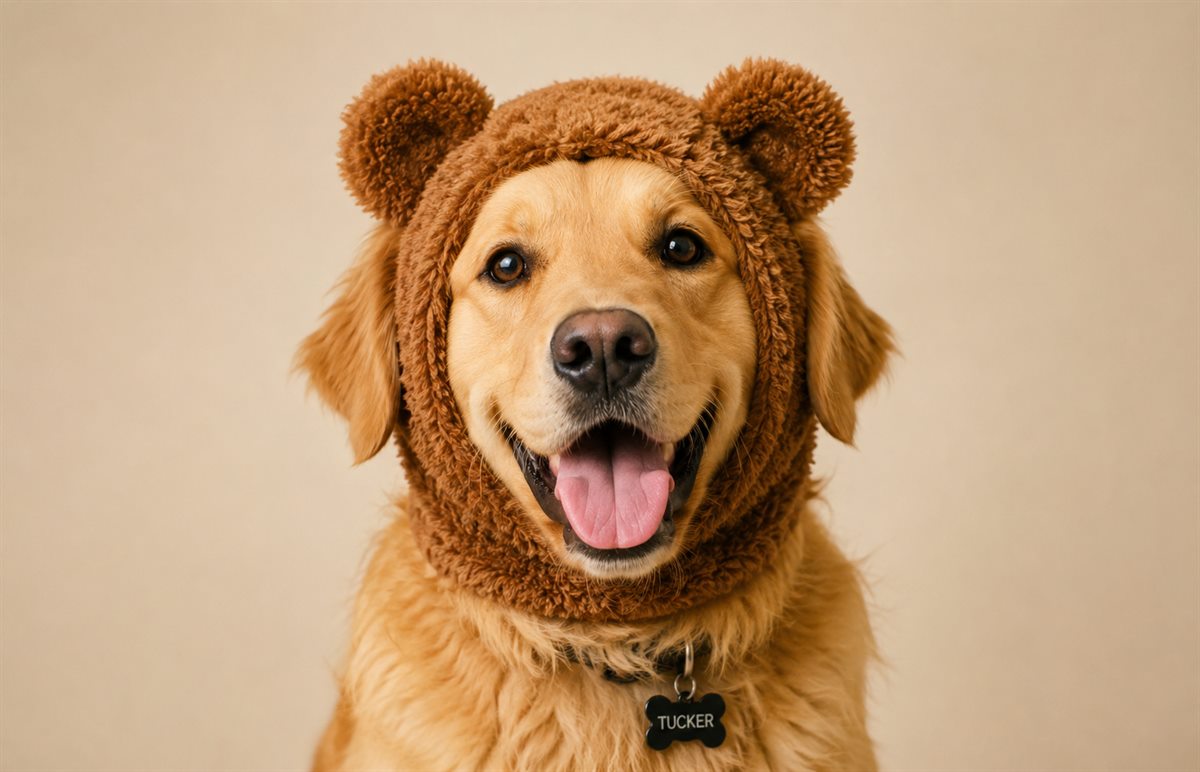
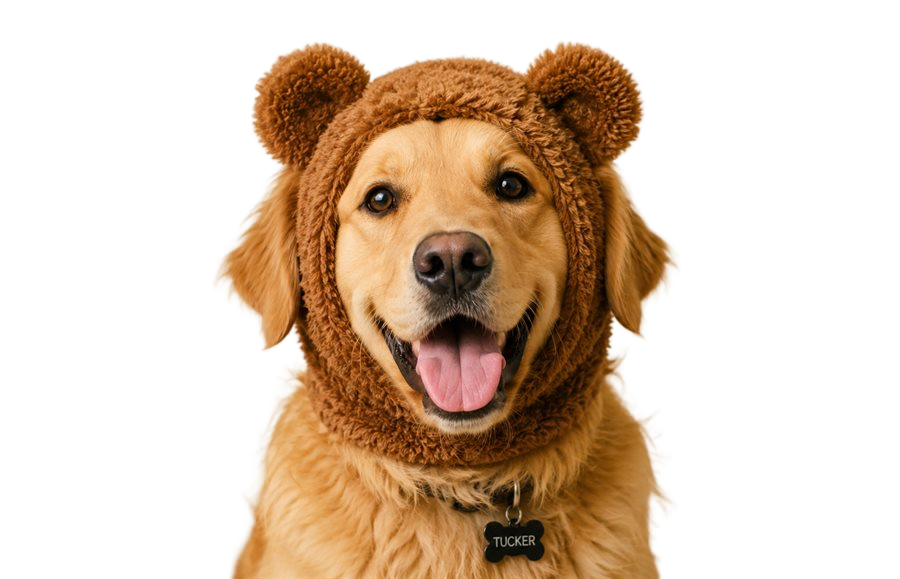
Automatic AI removal gets you most of the way there. When a product edge, hair detail, logo corner, or shadow needs a small correction, open Kanten verfeinern and adjust only that area.
This keeps the tool simple for quick jobs while still giving you control when the first result is not quite ready.
Use transparent PNG when the image will sit on a design, presentation, or web page. Choose white JPG for product listings, marketplaces, and simple sharing. Choose WebP when page speed and smaller files matter.
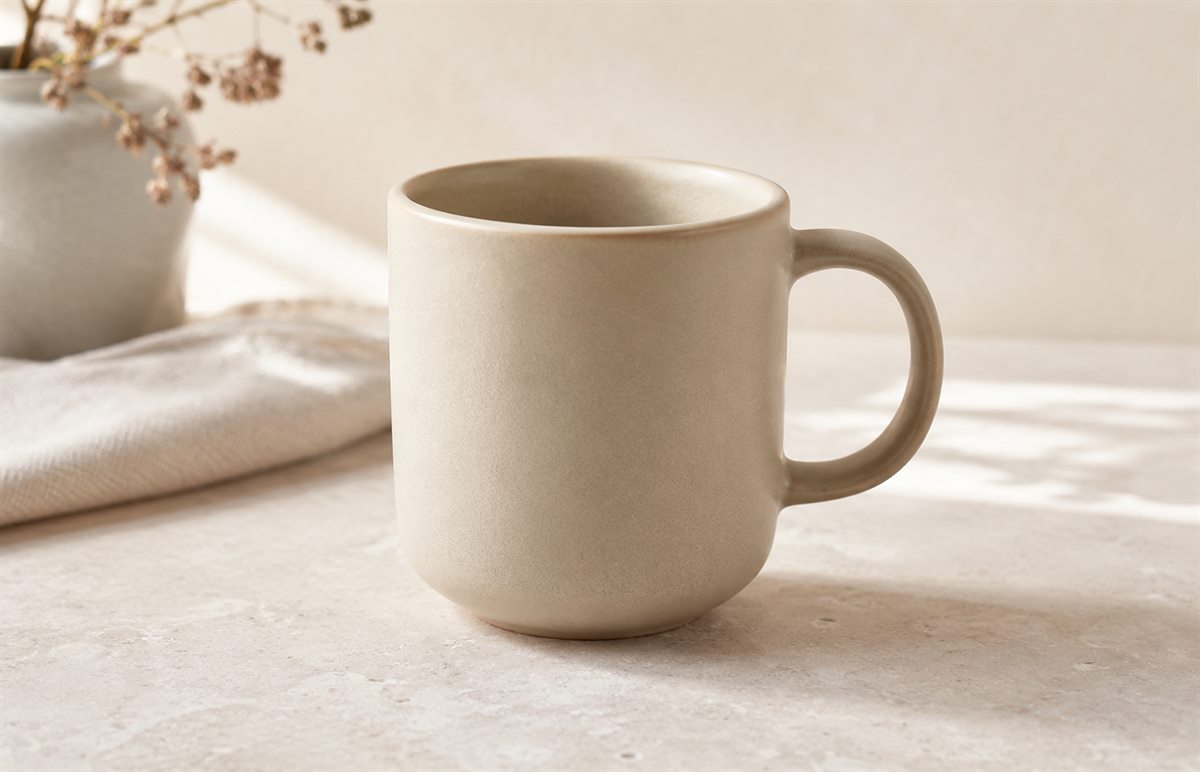
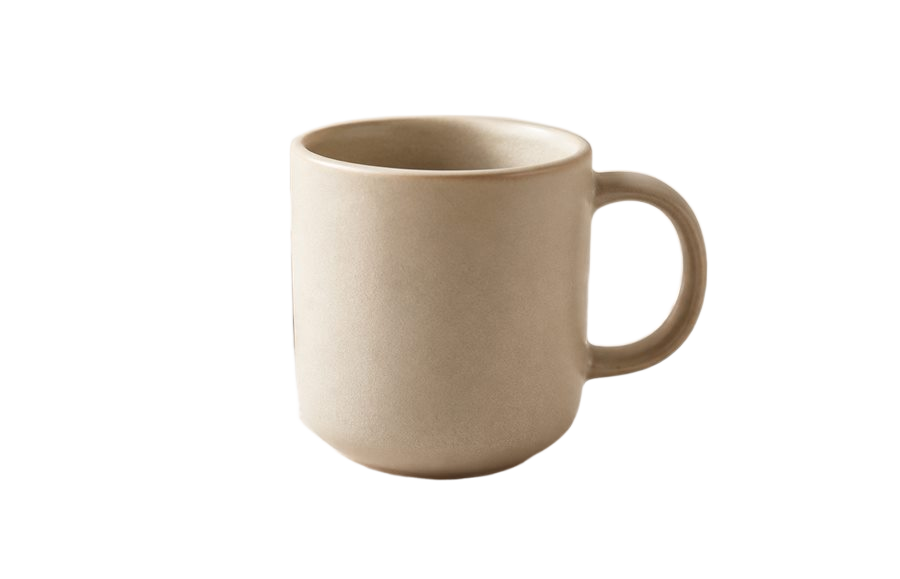
Das Tool soll Bilder für typische Web- und Freigabezwecke nutzbar halten. Wenn Qualität wichtig ist, prüfen Sie immer das gespeicherte Ergebnis.
Klare Bilder mit ausreichender Auflösung liefern meist bessere Ergebnisse als sehr kleine, unscharfe oder stark komprimierte Dateien.
Ja. Nach der automatischen Hintergrundentfernung können Sie im Editor Kanten verfeinern, verbleibende Hintergrundreste löschen oder Teile des Motivs wiederherstellen.
Ja. Exportieren Sie transparente PNGs für Overlays, JPGs mit weißem Hintergrund für Produktlisten oder WebP, wenn Ladezeit und Dateigröße wichtig sind.
Ja. Fügen Sie mehrere Bilder zur Warteschlange hinzu, verarbeiten Sie sie und laden Sie die Ergebnisse anschließend gemeinsam als ZIP-Datei herunter.